Mirror Your Photo
Upload one photo — fold it, kaleidoscope it, or spin it on a 3D shape
Photo Position
Pan X
50%Pan Y
50%Mirror Styles

Mirror Horizontal

Mirror Vertical
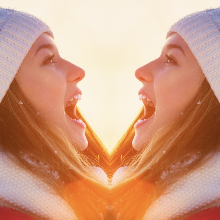
Mirror Horizontal II

Mirror Vertical II

Quad Mirror
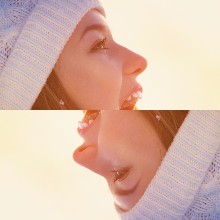
Quad Mirror II

Kaleidoscope
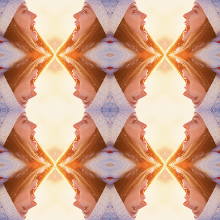
Kaleido Tiles

Tiles 2×2

Tiles 3×3
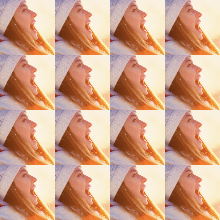
Tiles 4×4
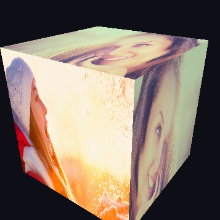
3D Cube
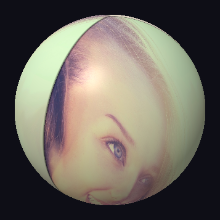
3D Sphere
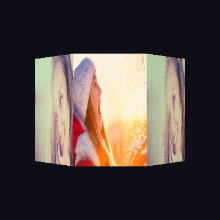
3D Fold
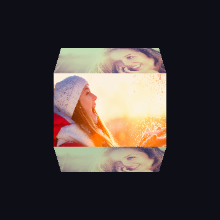
3D Fold V
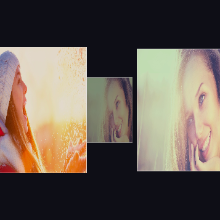
3D Carousel
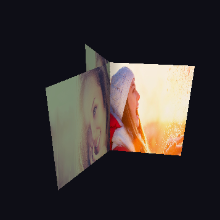
3D Doors
Mirror a photo online, free
The Mirror editor turns one photo into a symmetric image: reflect it left-to-right or top-to-bottom, fold it into a four-way quad mirror, spin it through a kaleidoscope, tile it into 2×2, 3×3 or 4×4 grids, or wrap it around a rotating 3D cube, sphere or carousel. Seventeen mirror styles in all, rendered live in WebGL as you drag.
Everything runs in your browser — your photo is never uploaded to a server. Export at HD, 2K or full 4K for free; free exports carry a small photoblender.online watermark, which Premium removes.
How it works
- 1Upload one photo. A portrait or a clearly-lit subject mirrors best. The demo photo shows each style instantly before you upload anything.
- 2Pick a mirror style. Tap through the styles — every one previews live. Drag the canvas or use the Pan sliders to move the mirror axis over the part of the photo you want reflected.
- 3Save or share. Choose an aspect ratio, hit Save Photo, and pick HD, 2K or 4K. The export re-renders offscreen at full resolution, so it is never an upscale.
Common questions
- Is the mirror effect free?
- Yes — every style and every resolution up to 4K is free. Free exports include a small photoblender.online watermark in the corner; Premium removes it.
- Does my photo get uploaded?
- No. The mirroring runs entirely in your browser with WebGL. The photo never leaves your device.
- What is a kaleidoscope photo?
- The kaleidoscope styles reflect a wedge of your photo repeatedly around a center point, like the toy — dragging the canvas rotates which part of the image feeds the pattern.
- Can I mirror a photo on my phone?
- Yes — the editor works in mobile browsers, with an action bar that keeps upload and save one thumb-tap away.