Image Mixer — mix two photos online, free
Add two photos and drag the Mix slider to blend them into one



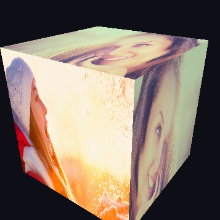
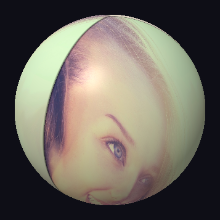
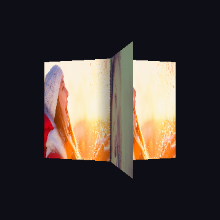
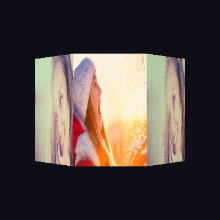
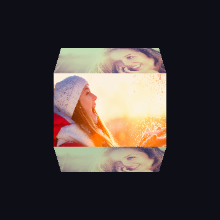
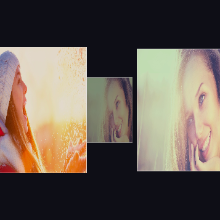
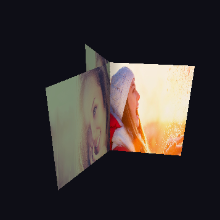
















Mix two photos into one image
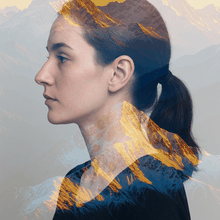
The image mixer lays one photo over another and lets you choose how much of each shows. At 0% you see only Image 1, at 100% only Image 2, and anywhere in between the two photos merge into a single picture — a quick way to combine two pictures in one frame. The preview updates live in WebGL as you drag.
For an even mix, pick two photos with similar brightness and a clear subject in each; for a moodier result, mix a portrait with a landscape, sky or city lights. Want shapes instead of a straight mix? The same editor has 50+ other styles, from 3D cubes to curves and splits. Everything runs in your browser — your photos are never uploaded and no sign-up is needed. Export free at HD, 2K or 4K; free exports carry a small photoblender.online watermark, which a one-off clean export or Premium removes.
How it works
- 1Add two photos. Use Image 1 and Image 2, or drop both photos onto the canvas at once. The sample photos show the mix before you upload anything.
- 2Set the mix. Drag the Mix slider to choose how much of each photo shows — or drag across the canvas to adjust it.
- 3Save your mixed photo. Tap Save Blend and pick HD, 2K or 4K. The export re-renders at full resolution.
Common questions
- How do I mix two photos together?
- Add your two photos, then drag the Mix slider: left shows more of the first photo, right more of the second. When it looks right, save it — that is all it takes to merge two pictures into one.
- Is the image mixer free?
- Yes — mixing and exporting at any resolution up to 4K are free, with no sign-up. Free exports include a small photoblender.online watermark; a one-off clean export or Premium removes it.
- Are my photos uploaded?
- No. The mixing happens in your browser with WebGL, and the saved image is created on your device.
- What is the difference between mixing and blending?
- Mixing fades the two whole photos into each other by a set amount. The main editor also offers shaped blend styles — 3D cubes, hearts, curves, splits — that show one photo in part of the frame and the other elsewhere.